
Get Your Tips – Faster, Easier, Digitally
Receive tips instantly — no cash, no waiting.
Start Receiving Tips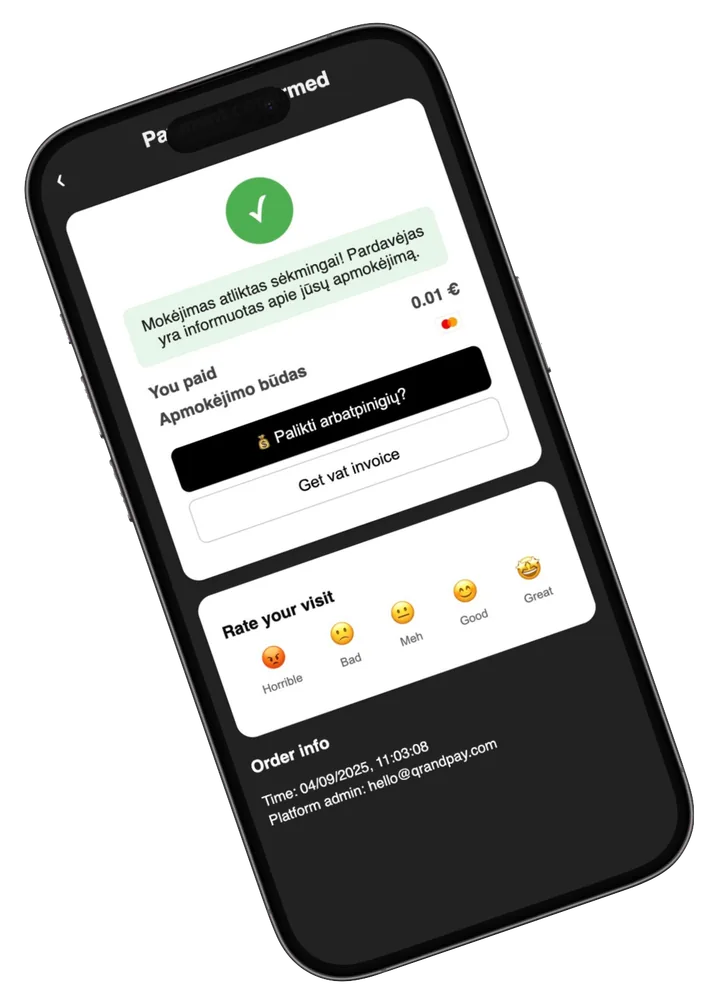
How it works
- 01
Get Your QR Code or NFC Tag
Each waiter gets a unique QR code or NFC card assigned by the restaurant.
- 02
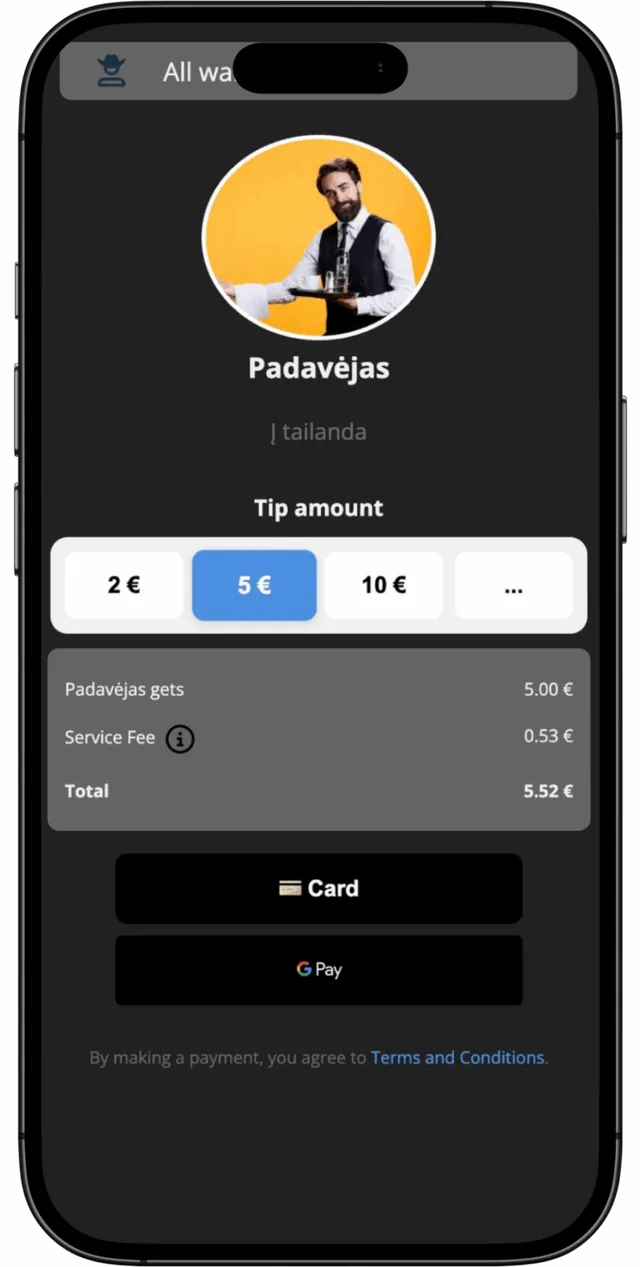
Customers Scan or Tap
When customers are ready, they scan or tap to pay — and can add a tip for you.
- 03
Receive Tip Instantly
The tip is sent directly to you, and you can see it immediately on your dashboard.
- 04
Track Your Earnings
Check your daily, weekly, and monthly tip totals — all in one place.
Why staff love it
Earn More
Customers tip more when it's quick and cashless.
No Delays
Tips are not pooled — they go straight to you.
Safe & Clean
No need to exchange cash or wait for payouts.
FAQs
Do I need to install an app?
No — your restaurant sets it up, and you get your own QR code/NFC tag.
How do I see my tips?
You can log in to the QRandTips dashboard from any phone or computer.
Are tips split between staff?
No — each QR code or NFC tag is linked to you personally, so you get what the customer intended.
Ready to get started?
Ask your manager to activate QRandTips for you — and start receiving tips instantly.
Start Receiving Tips