
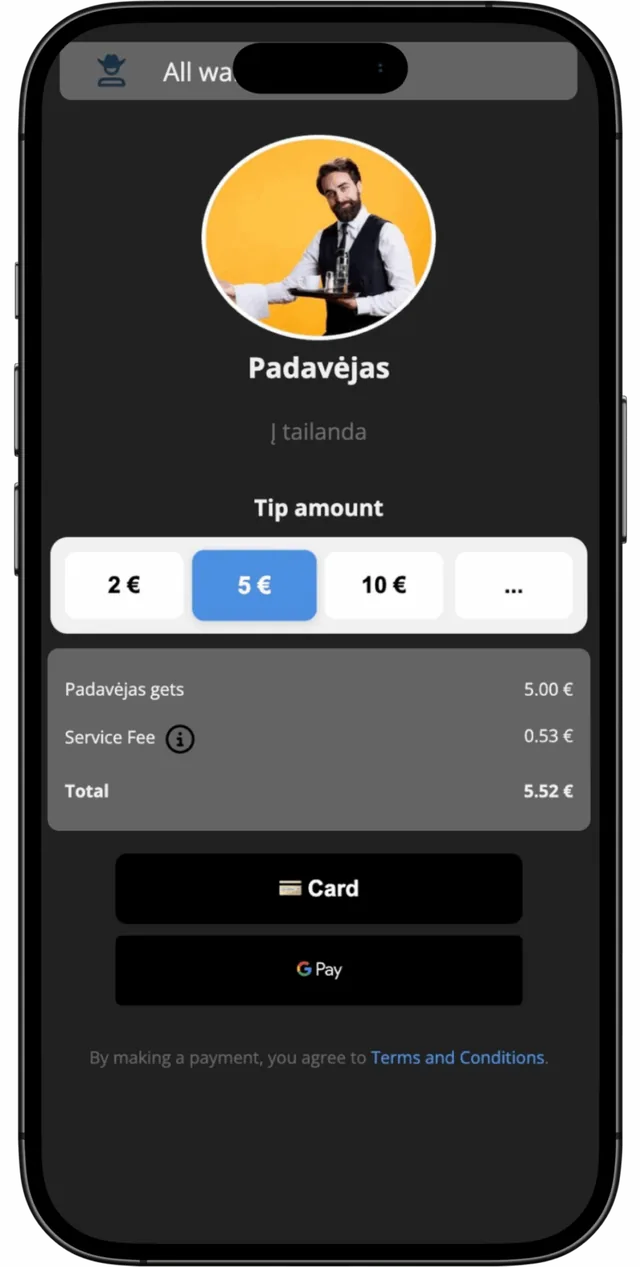
Tip amount
How it works
- 01
Scan QR / Tap NFC / Open Link
- 02
Choose Tip or Pay Bill
- 03
Done. Money goes directly to the recipient.
No registration or app required for customers.
What we offer
Features
QR / NFC / Link support
Your customers can choose the most convenient way to pay or tip — scan a QR code, tap an NFC tag, or click a simple link. No app installation required. Perfect for tables, receipts, social media profiles, or printed materials.
Fast payments with card, Apple Pay, Google Pay
Let your customers pay in seconds using their preferred payment method. We support all major cards, Apple Pay, Google Pay, and other local payment methods — optimized for mobile devices.
Dashboard for earnings
Track all your payments and tips in one place. See real-time transaction history, total earnings, most active locations, and manage multiple employees or locations from a single dashboard.
Instant payouts to bank
Receive your money instantly. Connect your bank account and withdraw your earnings anytime — no waiting, no delays. Transparent fee structure with no hidden costs.
Customizable tip page
Make it personal. Add your photo, custom thank-you message, or business branding to your payment page. Create a unique experience for your customers that builds trust and encourages more tips.
Analytics & Reports
Get valuable insights into your payments and customer behavior. Export detailed reports for accounting, track performance over time, and optimize your service based on real data.
Solutions
Everything you need to get paid, tipped and reviewed
Who it's for
For businesses
Let your guests pay the bill and leave a tip right from their table.
No waiting for the waiter, no hardware needed. Faster turnover, better customer experience, and more tips for your staff.
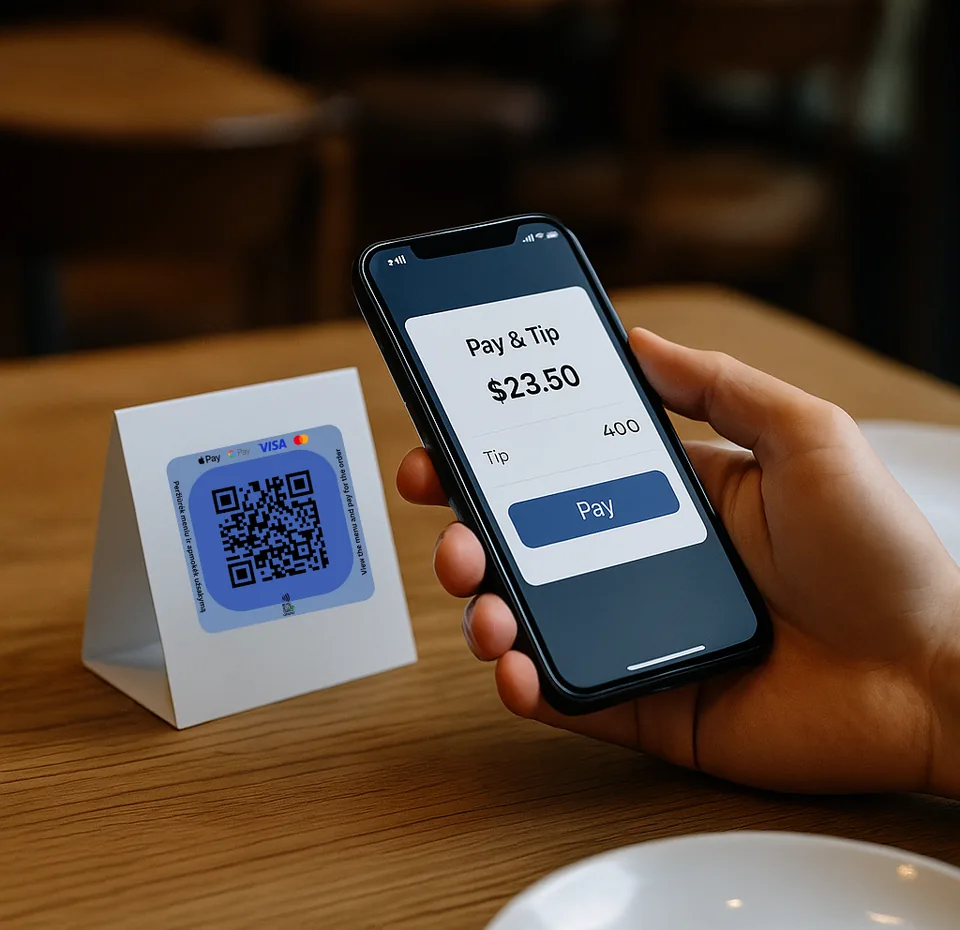
Perfect for self-service cafes and coffee shops.
Place QR codes or NFC tags on tables, counters, or takeaway packaging. Customers can pay or tip instantly — even when you're busy.
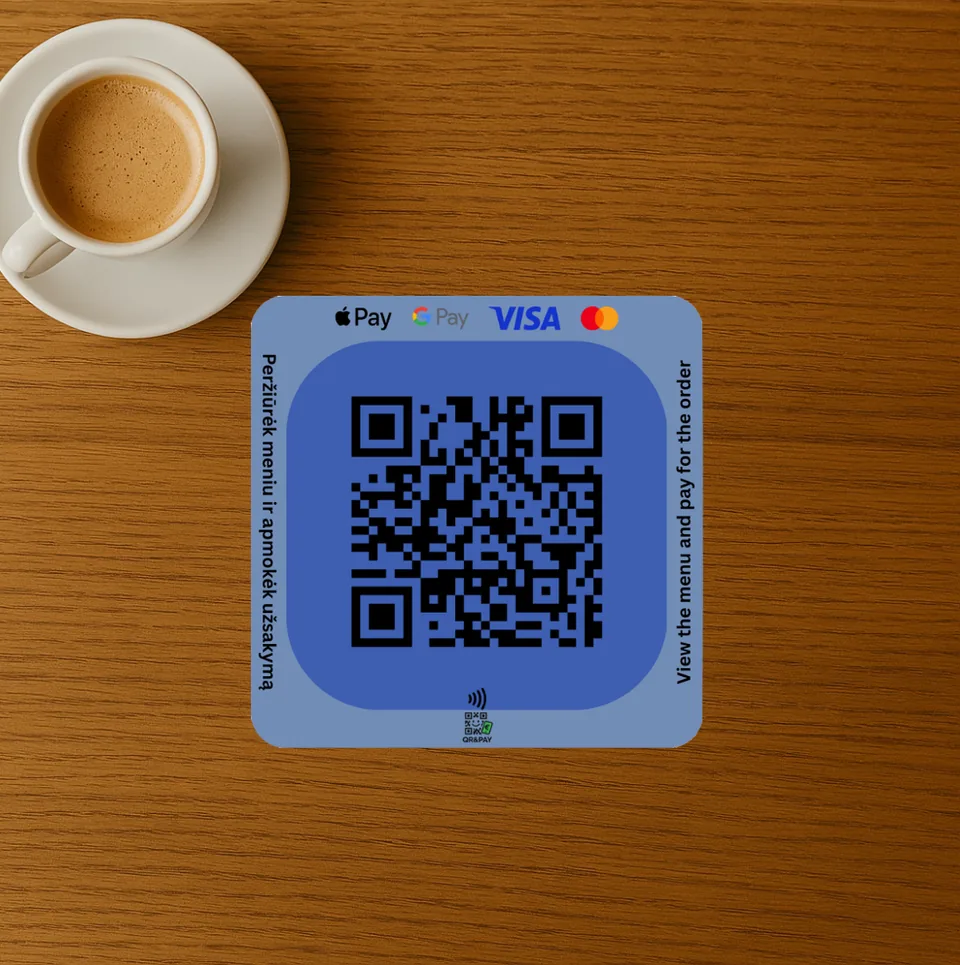
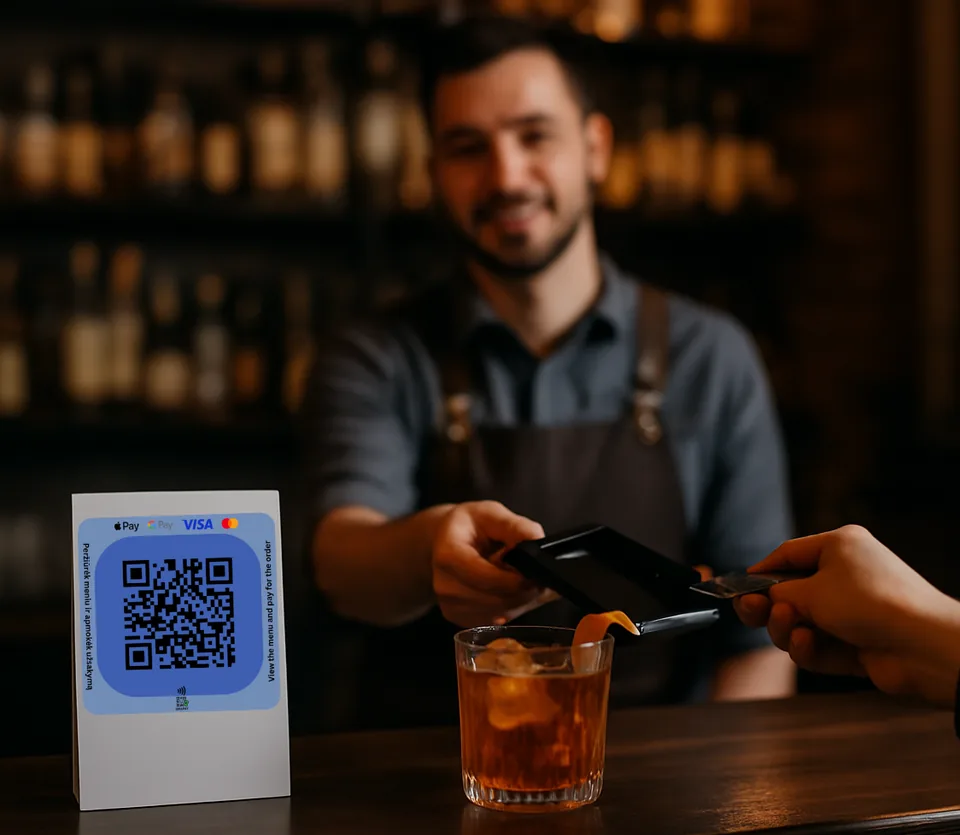
Make tipping seamless at the bar.
With QR or NFC, customers can leave a tip for their favorite bartender in seconds — without needing cash.
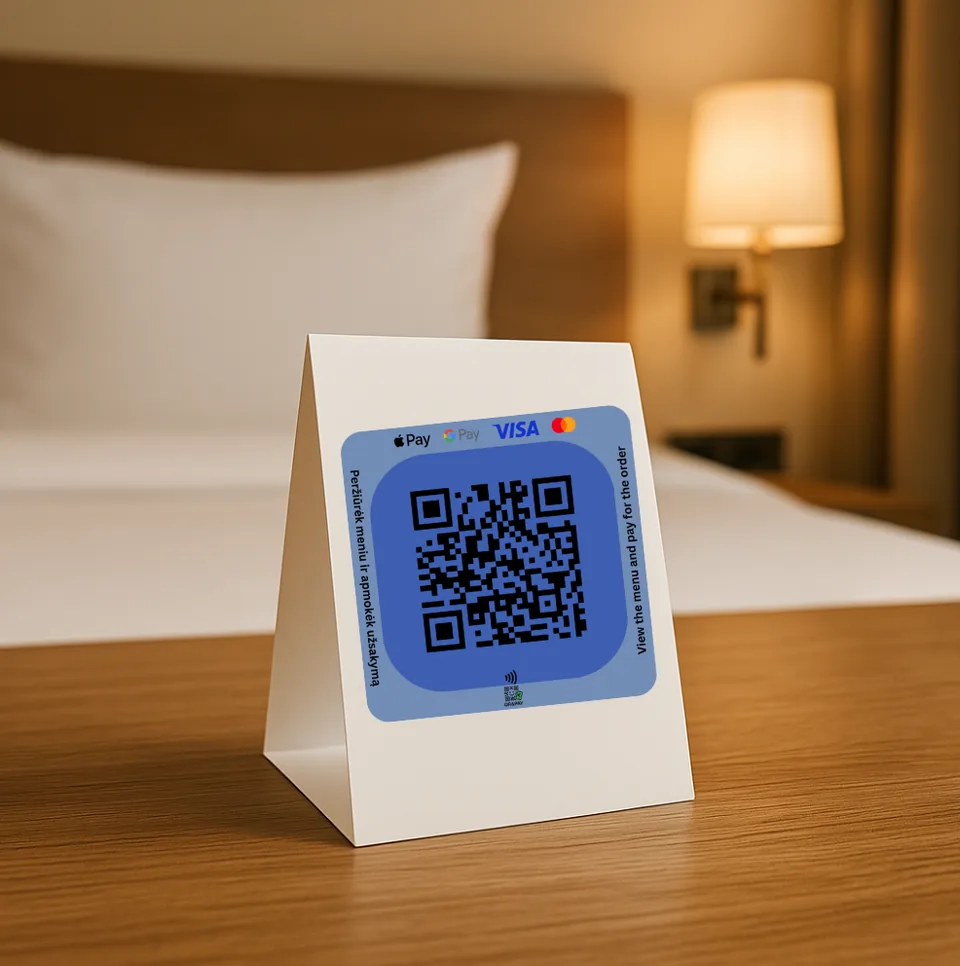
From reception to housekeeping — every employee can have their own tip page.
Guests can leave a thank-you tip for great service anytime, anywhere.
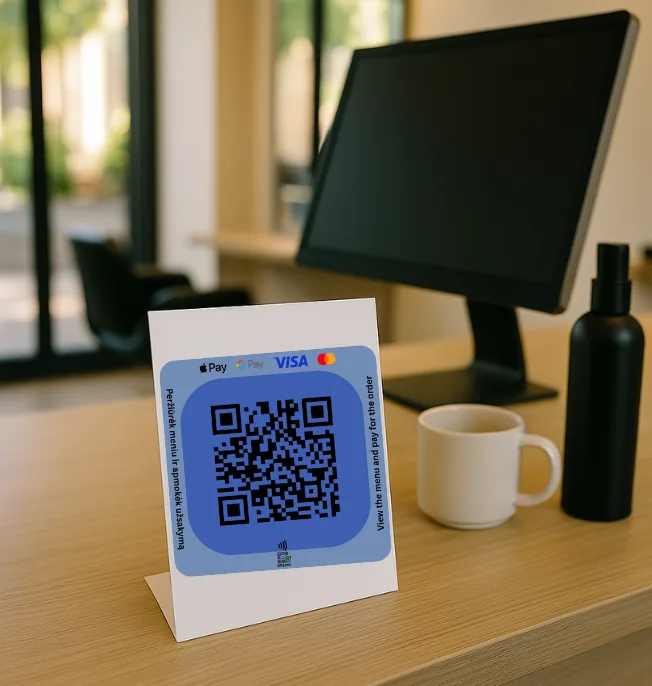
Beauty & Wellness, Taxi & Events
Hairdressers, barbers, nail artists, massage therapists — create your personal payment link or QR code for easy tips after every service. Taxi drivers, delivery couriers, street performers, event staff — let your customers show appreciation with a fast and secure tip via QR code, NFC tag, or link.
QRandPay Staff app
One app for everything your staff needs
Employees sign in with their phone number and see every tip as it arrives.
- Every tip and payment in one list, with a notification when a new one arrives
- Balance, withdrawals and recent payouts
- A personal QR code and a tip link to share
- Assign QR and NFC cards by scanning them
- A personal goal to track what you've collected